
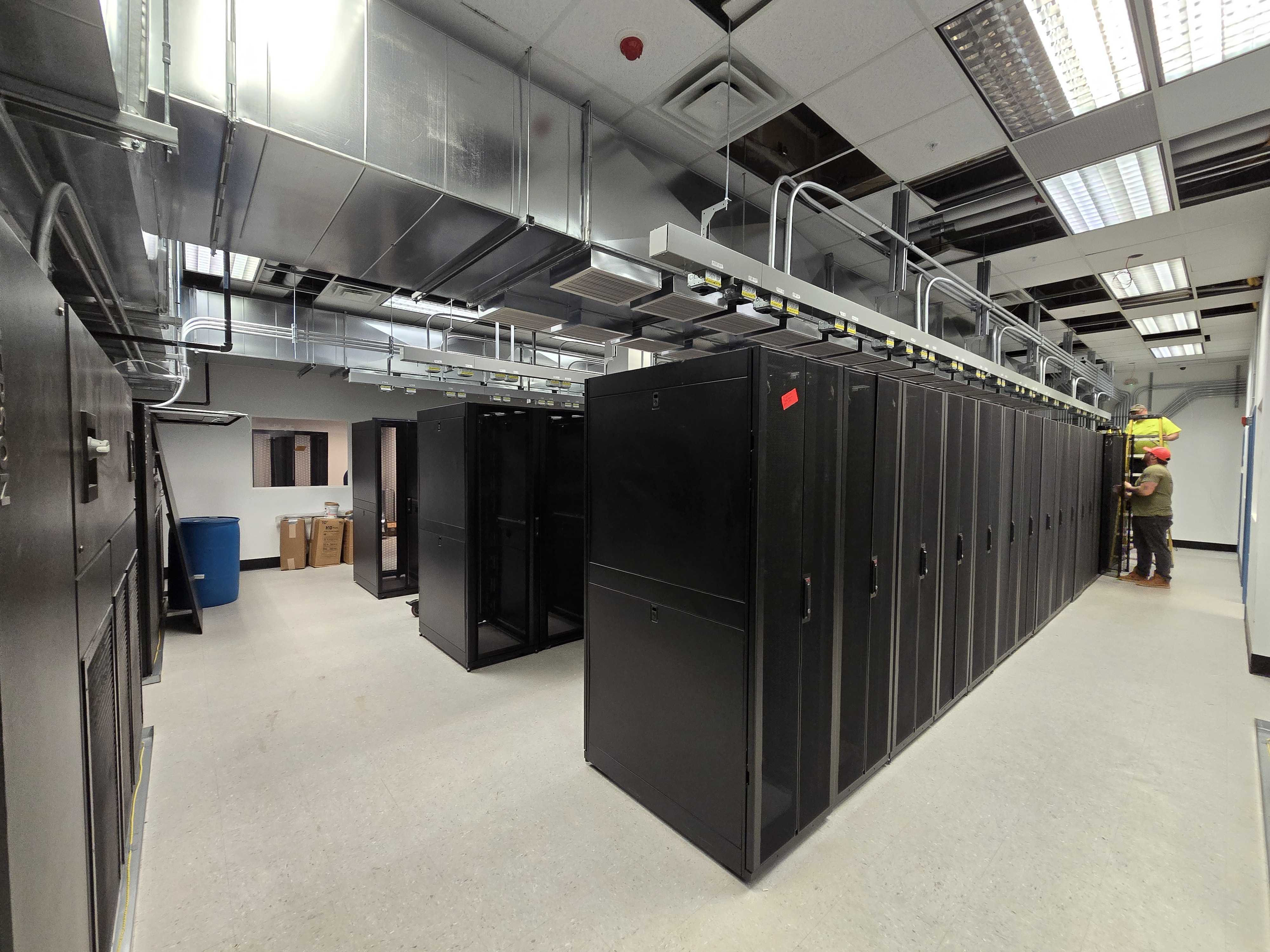
Dedicated Server Hosting Checklist: From Setup to Optimization
Choosing the right infrastructure is only the first step. To truly get value from a dedicated server, businesses need a clear, structured approach that covers everything from initial provisioning to long-term performance tuning. That’s where a dedicated server hosting checklist 2026 becomes essential.
In 2026, dedicated servers are no longer just about raw hardware power. They’re about correct server configuration, proactive security hardening, and continuous performance monitoring. Without these elements, even the most powerful server can underperform, expose security risks, or become costly to maintain. This checklist is designed to guide IT teams, system administrators, and growing businesses through every stage of the dedicated server lifecycle—helping ensure stability, security, and maximum performance from day one.
Phase 1: Pre-Deployment Planning
Before provisioning a server, proper planning prevents future performance and scalability issues.
1. Define Your Workload Requirements
Clearly identify:
- Expected traffic volume
- Type of applications (web hosting, database, SaaS, AI, gaming, etc.)
- Storage and I/O needs
- Compliance or regulatory requirements
This step ensures the server configuration matches real usage—not assumptions.
2. Choose the Right Hardware Configuration
Your hardware choices directly affect performance and scalability.
Checklist:
- CPU type (core count vs clock speed)
- RAM capacity with growth buffer
- Storage type (NVMe, SSD, HDD)
- RAID level for redundancy
- Network port speed and bandwidth allocation
A balanced configuration prevents bottlenecks and unnecessary upgrades.
Phase 2: Initial Server Configuration
Once the server is provisioned, correct setup is critical.
3. Operating System Selection
Choose an OS based on application compatibility and support needs:
- Linux distributions for performance and flexibility
- Windows Server for Microsoft-based workloads
Ensure the OS is updated immediately after installation.
4. Network Configuration
Network setup impacts reliability and security. Checklist:
- Configure static IP addresses
- Set up reverse DNS if required
- Validate gateway and routing rules
- Test network throughput and latency
Proper network configuration ensures consistent connectivity and uptime.
Phase 3: Security Hardening Checklist
Security hardening is non-negotiable in 2026, especially with rising cyber threats.
5. Secure Access Controls
- Disable root login where possible
- Use SSH key-based authentication
- Change default ports
- Implement role-based access
Strong access control reduces attack surfaces significantly.
6. Firewall & Network Protection
Security hardening must include network-level defenses:
- Configure server firewalls (iptables, nftables, or OS firewalls)
- Allow only required ports
- Enable DDoS protection if available
- Segment internal services using private networking
7. System Hardening
- Remove unnecessary services
- Apply OS security benchmarks
- Enable automatic security updates
- Harden kernel parameters
This step ensures your dedicated server is resilient against common exploits.
Phase 4: Application & Service Setup
After securing the base system, focus on application stability.
8. Install Only Required Software
Avoid bloated environments:
- Web servers (Apache, Nginx, LiteSpeed)
- Database servers (MySQL, PostgreSQL, MongoDB)
- Runtime environments
Minimal installations reduce attack vectors and improve performance.
9. Configure Resource Limits
Set proper limits to prevent resource abuse:
- CPU and memory limits
- File descriptor limits
- Database connection thresholds
This protects overall system stability during traffic spikes.
Phase 5: Performance Monitoring & Optimization
A core component of any dedicated server hosting checklist 2026 is proactive monitoring.
10. Enable Performance Monitoring
Performance monitoring helps detect issues before they affect users.
Monitor:
- CPU usage and load averages
- Memory utilization
- Disk I/O and latency
- Network throughput
Use monitoring tools or built-in system utilities to track trends.
11. Log Management
- Centralize system and application logs
- Rotate logs to prevent disk exhaustion
- Monitor error logs regularly
Logs are essential for troubleshooting and performance tuning.
Phase 6: Backup & Recovery Planning
No server is complete without a recovery strategy.
12. Backup Strategy
Checklist:
- Automated backups
- Offsite or secondary storage
- Regular restore testing
- Clear retention policies
Backups protect against data loss, ransomware, and human error.
13. Disaster Recovery Readiness
- Document recovery procedures
- Define RTO and RPO objectives
- Test failover scenarios periodically
Preparation minimizes downtime during unexpected failures.
Phase 7: Ongoing Maintenance & Optimization
Dedicated servers require continuous attention to remain efficient.
14. Regular Updates & Patch Management
- Apply OS and application updates
- Patch security vulnerabilities promptly
- Review change logs for breaking changes
15. Capacity Planning
Use performance monitoring data to:
- Identify resource saturation
- Plan hardware upgrades
- Scale storage or bandwidth
Proactive capacity planning avoids emergency expansions.
Phase 8: Compliance & Auditing
For regulated environments, compliance is part of optimization.
16. Compliance Checks
- Review access logs
- Maintain audit trails
- Validate encryption standards
- Ensure data retention policies are enforced
This is especially important for finance, healthcare, and SaaS platforms.
Why this Dedicated Server Hosting Checklist matters in 2026?
In 2026, dedicated servers power mission-critical applications where downtime, breaches, or performance degradation are unacceptable. Following a structured dedicated server hosting checklist 2026 ensures:
- Optimal server configuration from day one
- Strong security hardening against modern threats
- Reliable performance through continuous monitoring
- Predictable scaling and cost control
Dedicated hosting is an investment—and optimization protects that investment.
Conclusion
A dedicated server is only as good as how well it’s configured, secured, and maintained. By following this Dedicated Server Hosting Checklist: From Setup to Optimization, businesses can build an infrastructure that is secure, high-performing, and future-ready. From proper server configuration and robust security hardening to ongoing performance monitoring, this checklist provides a practical roadmap for maximizing uptime, efficiency, and reliability in 2026 and beyond.
ColoCrossing provides enterprise-grade colo and colocation solutions designed for reliability, security, and scalability. Our infrastructure supports high-performance bare metal server deployments, including bare metal dedicated server and bare metal dedicated servers built for demanding workloads. With industry-leading dedicated hosting , we deliver some of the best dedicated server hosting options backed by robust networks and expert support. Whether you need flexible dedicated server hosting , a powerful dedicated server , or fully managed dedicated servers , ColoCrossing delivers dependable performance and full control to power your business.
ColoCrossing excels in providing enterprise Colocation Services, Dedicated Servers, VPS, and a variety of Managed Solutions, operating from 10 data center locations nationwide. We cater to the diverse needs of businesses of any size, offering tailored solutions for your unique requirements. With our unwavering commitment to reliability, security, and performance, we ensure a seamless hosting experience.
For Inquiries or to receive a personalized quote, please reach out to us through our contact form here or email us at sales@colocrossing.com.

